Typer
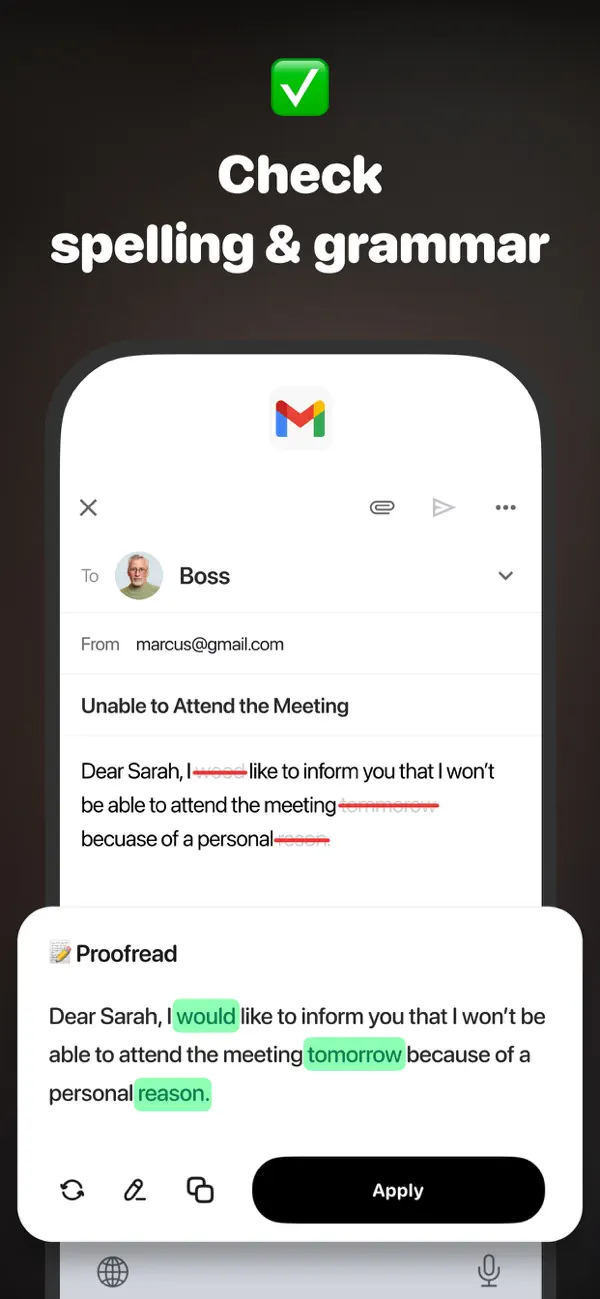
A keyboard that fixes grammar and rewrites as you type.
About Typer
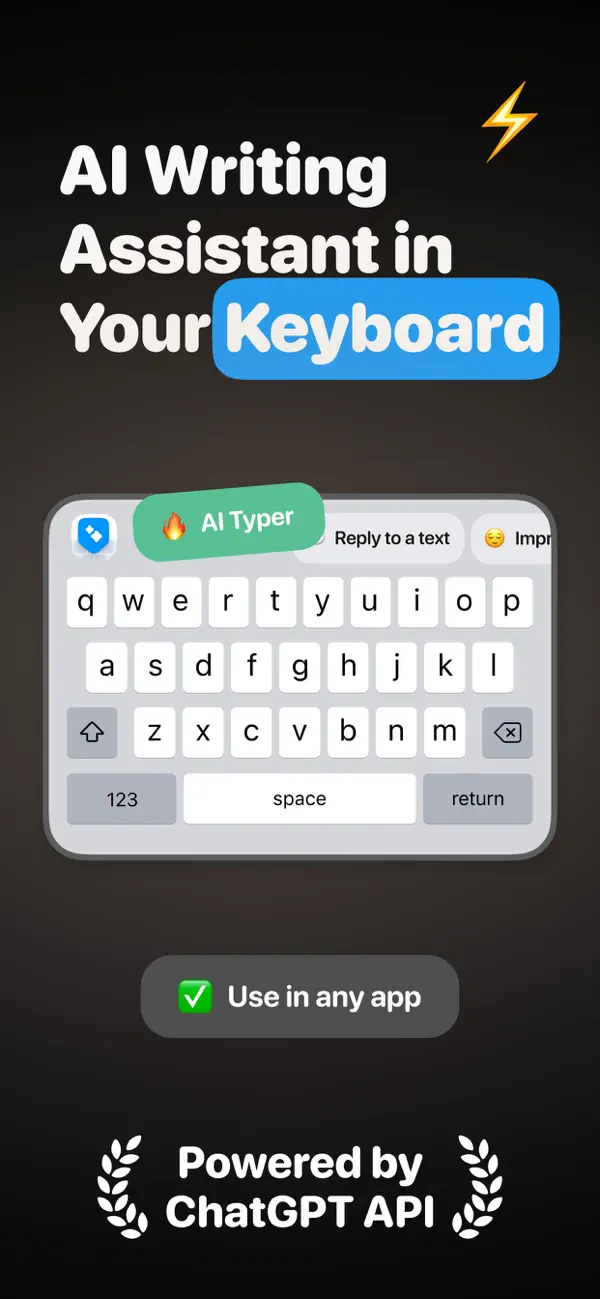
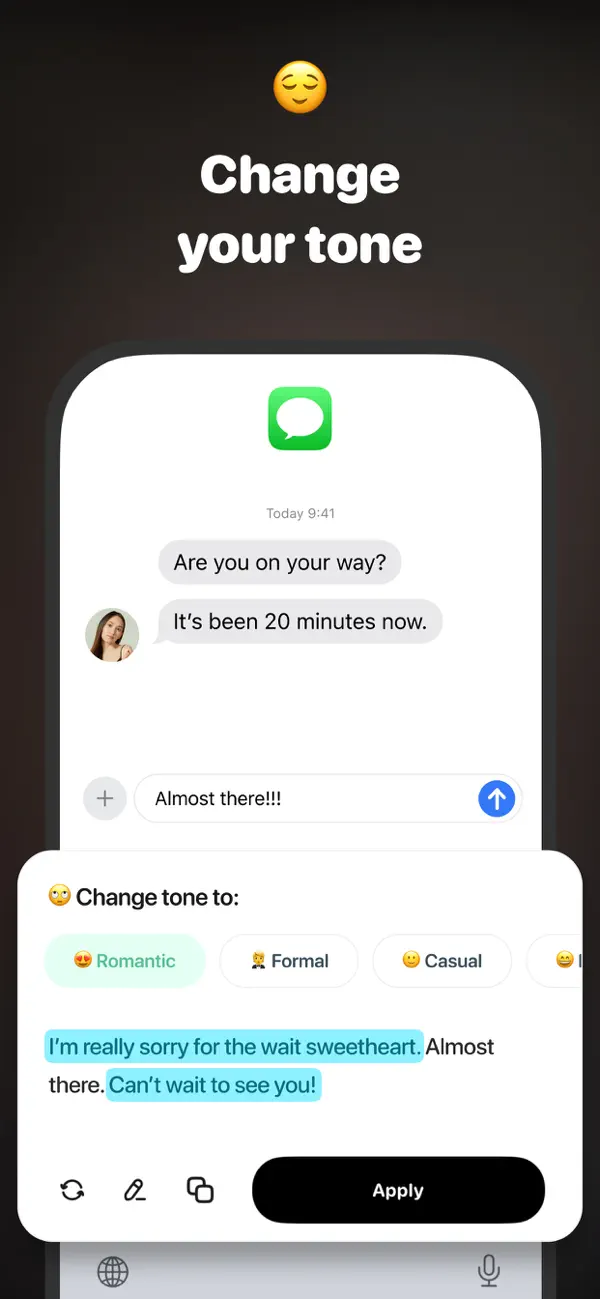
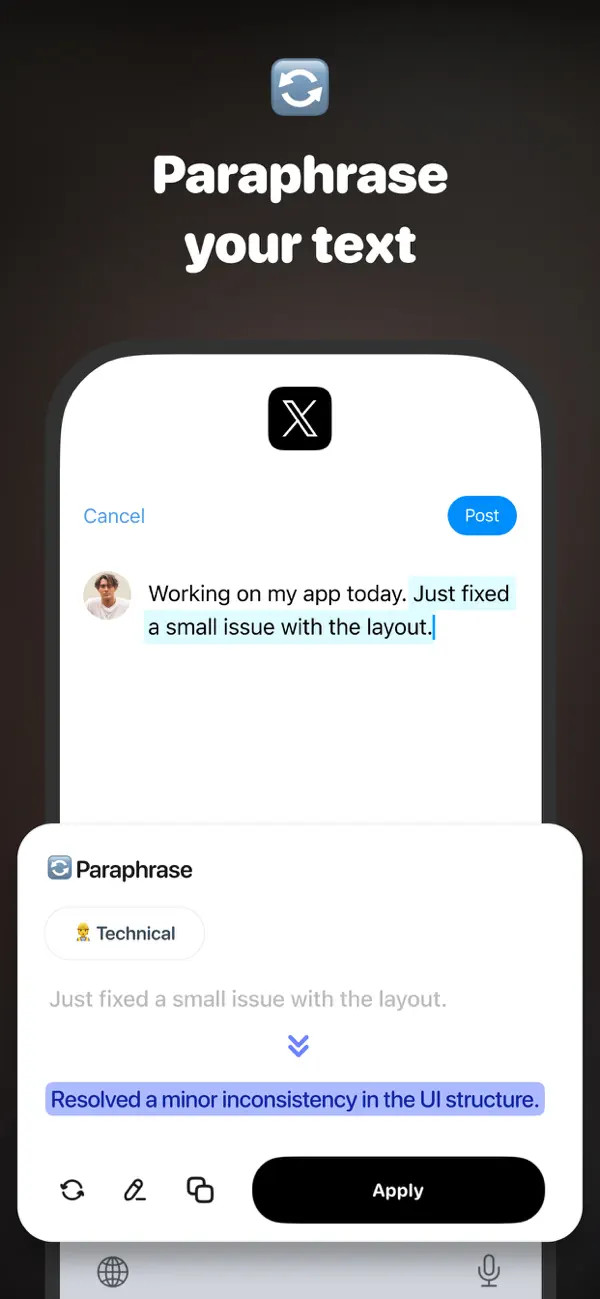
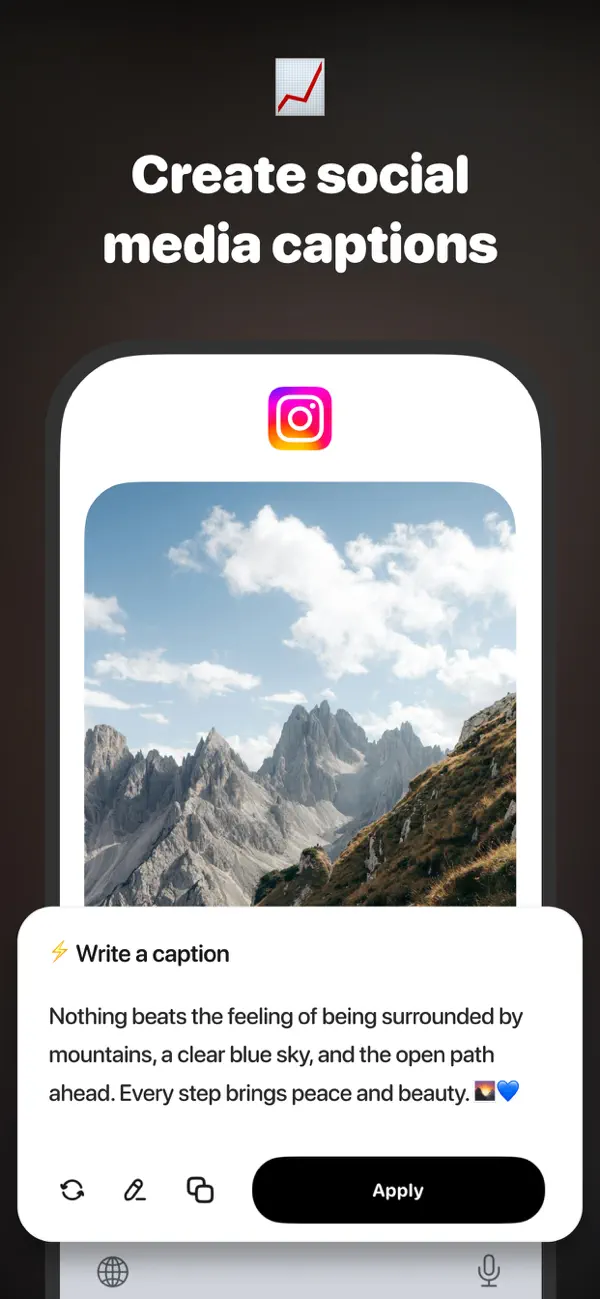
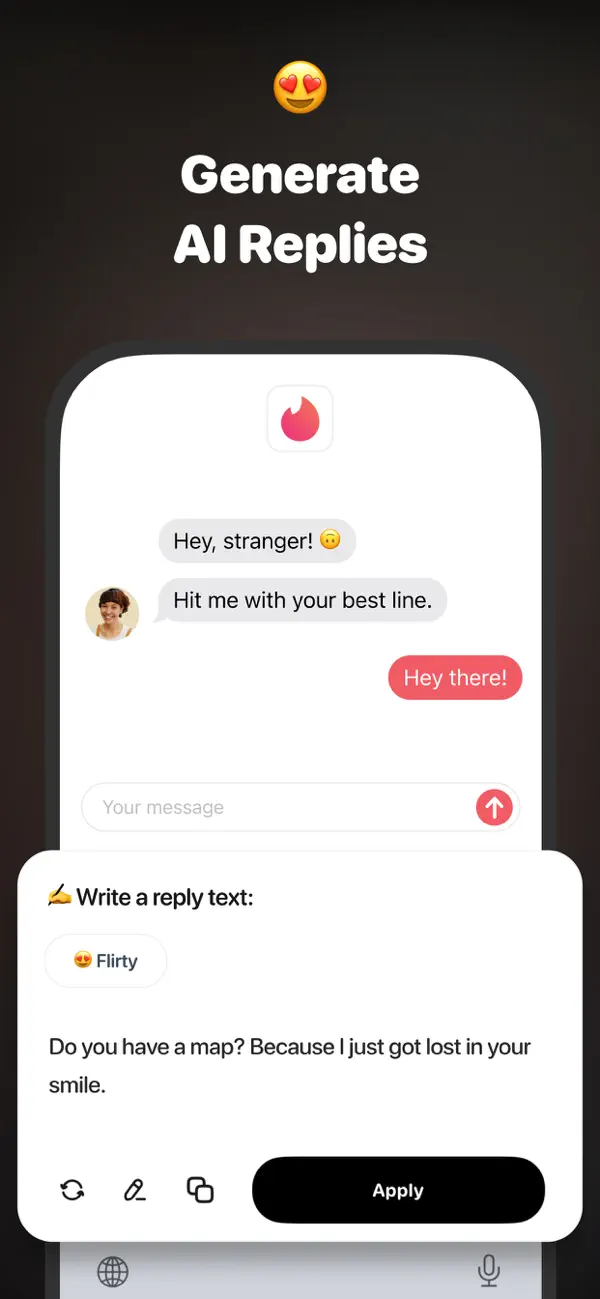
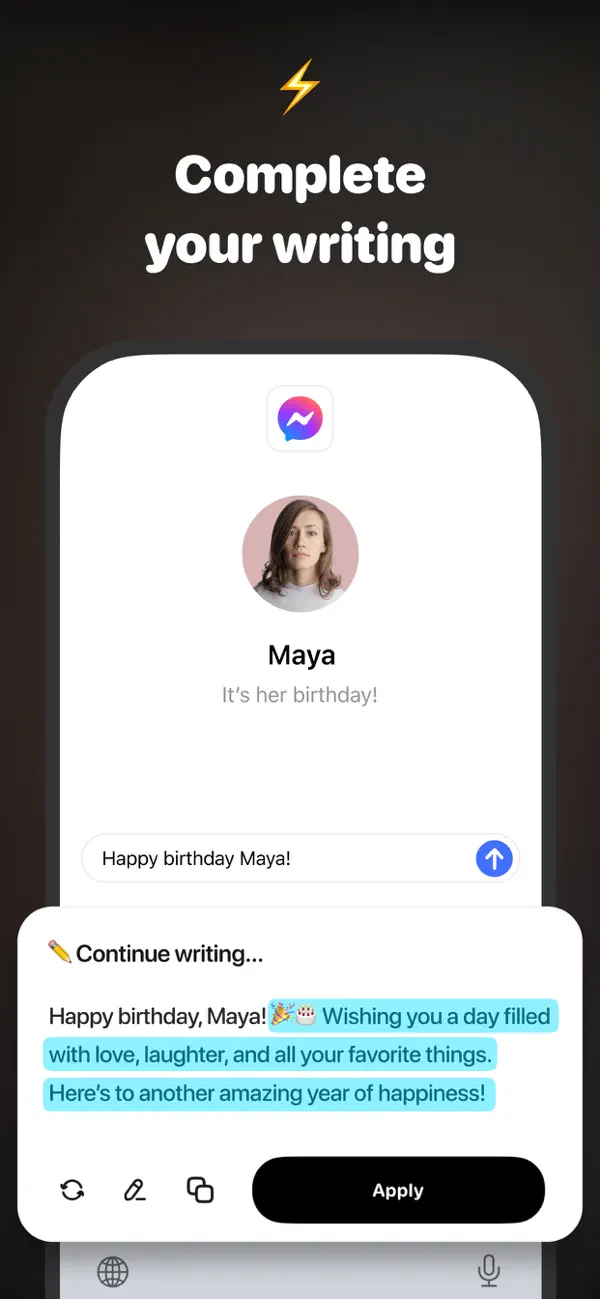
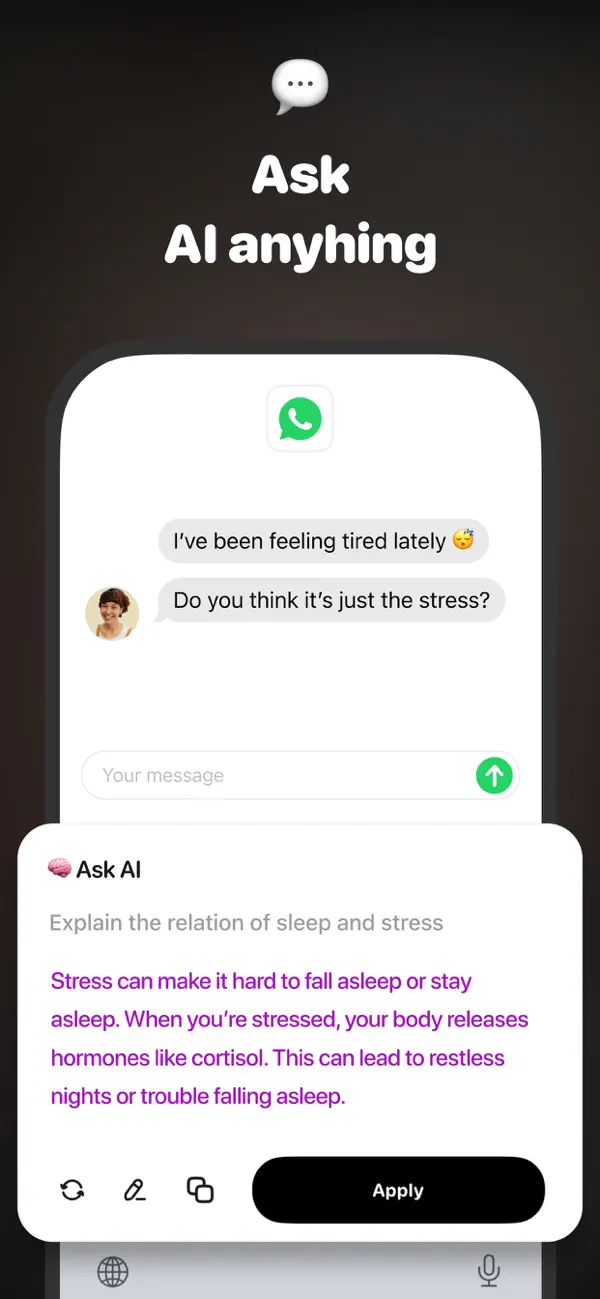
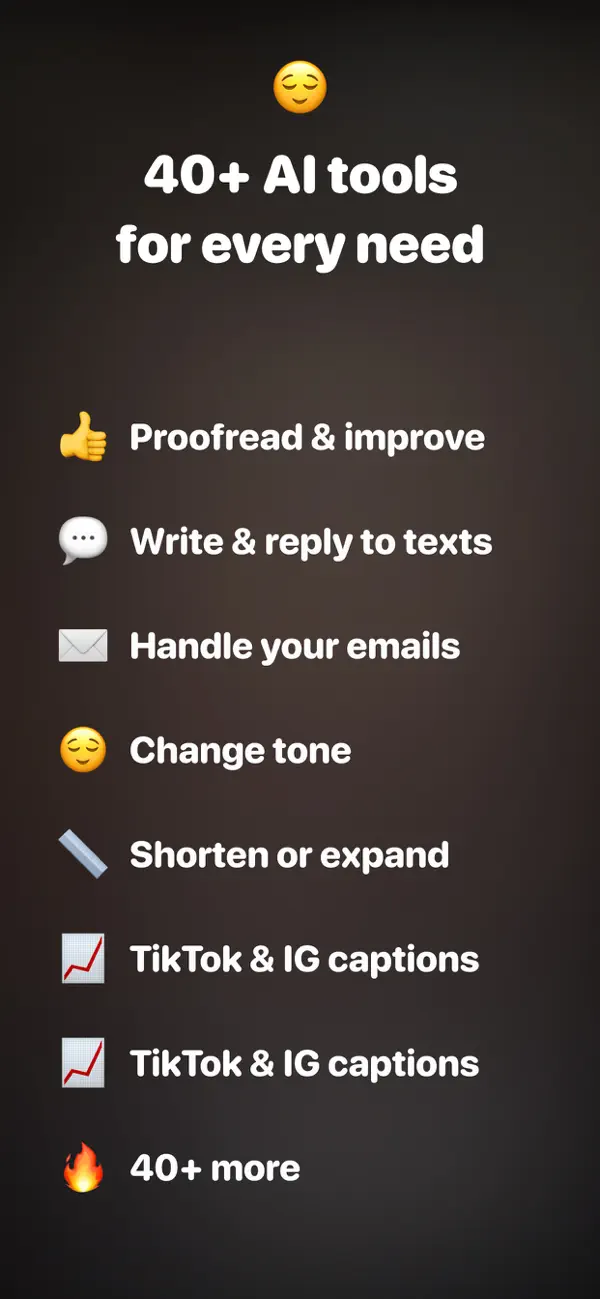
Transform your keyboard into a writing assistant. Typer combines the power of AI with seamless keyboard integration, helping you craft perfect messages, emails, and captions in seconds—without breaking your flow.
Whether you’re drafting a message, replying to an email, or crafting the perfect caption, Typer is your go-to tool for clear, polished, and impactful writing—all from your keyboard.
- Developer
- Engcraft, LLC
- Category
- Utilities
- Works on
- iPhone and iPad
- Requires
- iOS 17 or later
- Price
- Free to download, with in-app purchases
- Languages
- 33 languages
- First released
- December 2024
Questions
- What is Typer?
- Typer is an app for iPhone and iPad by Engcraft, LLC, a studio in New York. In one line: a keyboard that fixes grammar and rewrites as you type.
- Is Typer free?
- Typer is free to download from the App Store. Some features need an in-app purchase or subscription.
- Which devices does Typer work on?
- Typer works on iPhone and iPad with iOS 17 or later.
- How do I get help with Typer?
- Open the Typer support page at https://www.engcraft.io/support/typer, or write to support@engcraft.io. We answer within one or two days.
- What does Typer do with my data?
- The Typer privacy policy at https://www.engcraft.io/privacy/typer lists what the app collects, why, and who it is shared with.